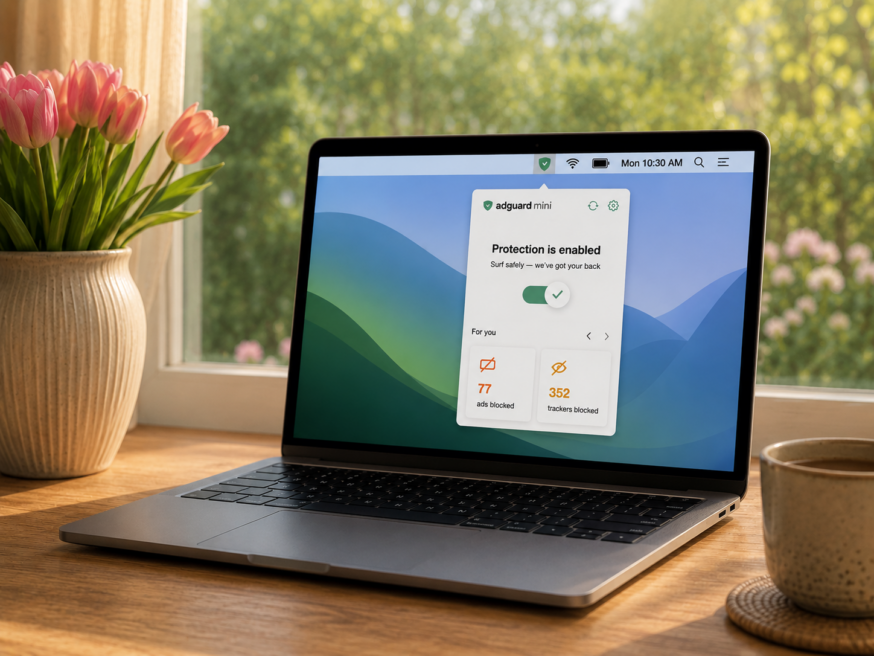
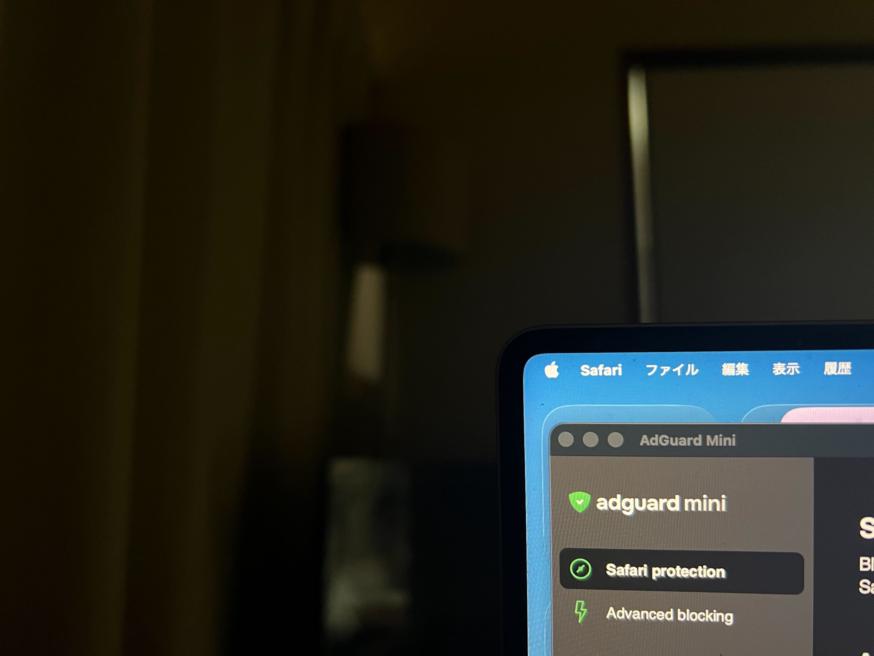
We’ve added statistics to the menu bar popup and Safari toolbar menu. Now you can see exactly how many ads and trackers AdGuard Mini has blocked for you.
Not long after AdGuard Mini’s debut, here comes its first improvement. Now, you can manually set the app’s theme to light, dark, or system. We also added a dark version of the app's Dock icon for a better appearance in dark mode.
Presenting the updated AdGuard for Safari v1.11.24. It will be the last to support macOS 11 and older versions. We are currently preparing a significantly reworked app for newer operating systems, so stay tuned for more news!
Meet the new AdGuard for Safari! We really wanted to make ad blocking even better, so we convinced Apple to increase the filtering rule limit for content blockers. We can now use up to 150.000 at once — it's 900.000 in total!
All done!
Something went wrong
Subscribe to our news
You’ve successfully subscribed to AdGuard news. Emails will be sent to ${subscribeSlotProps.email}
You can also subscribe using a different email address
Please try again. If it doesn’t help, please contact support
Be the first to get the latest news about online privacy and ad blocking, AdGuard product releases, upcoming sales, giveaways, and more
Invalid captcha
Captcha is required
Downloading AdGuard
To install AdGuard, click the file indicated by the arrow
Select "Open" and click "OK", then wait for the file to be downloaded. In the opened window, drag the AdGuard icon to the "Applications" folder. Thank you for choosing AdGuard!
Select "Open" and click "OK", then wait for the file to be downloaded. In the opened window, click "Install". Thank you for choosing AdGuard!
Install AdGuard on your mobile device
Installation
AdGuard for Android is available in the following app stores:
AdGuard can’t be published on Google Play. For more details, check out our blog. If you’re using Google Play, follow these instructions to manually install AdGuard for Android.
1. Allow downloading
If your browser displays a warning, allow downloading adguard.apk.
Installation permissions
If installations from your browser are not allowed, you’ll get a notification. In this notification, tap Settings → Allow from this source.
Note for Samsung users with One UI 6 (Android 14) and newer
On some Samsung devices, the Auto Blocker feature may prevent APK installations. To install the app:
Open your device settings.
Go to Security and privacy.
Scroll down and tap Auto Blocker.
Disable the setting.
You can re-enable this feature after the installation.
2. Install the app
In the pop-up dialog, tap Install.
3. Launch the app
Wait for the installation to complete and tap Open. All done!
Scan to download
Use any QR-code reader available on your device
Scan to download
Use any QR-code reader available on your device
Download an older AdGuard version?
This OS version isn’t supported. You can use an older version of AdGuard, but it won't receive updates
By downloading the program you accept the terms of the License agreement